


 Satisfactory
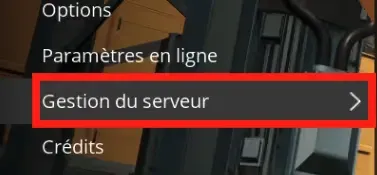
Once your server is installed, you can import your save directly in-game. To do this, you need to go to the "Server Management" menu
Then you need to go to the "Backups" menu

Then you need to go to the "Upload Save" submenu
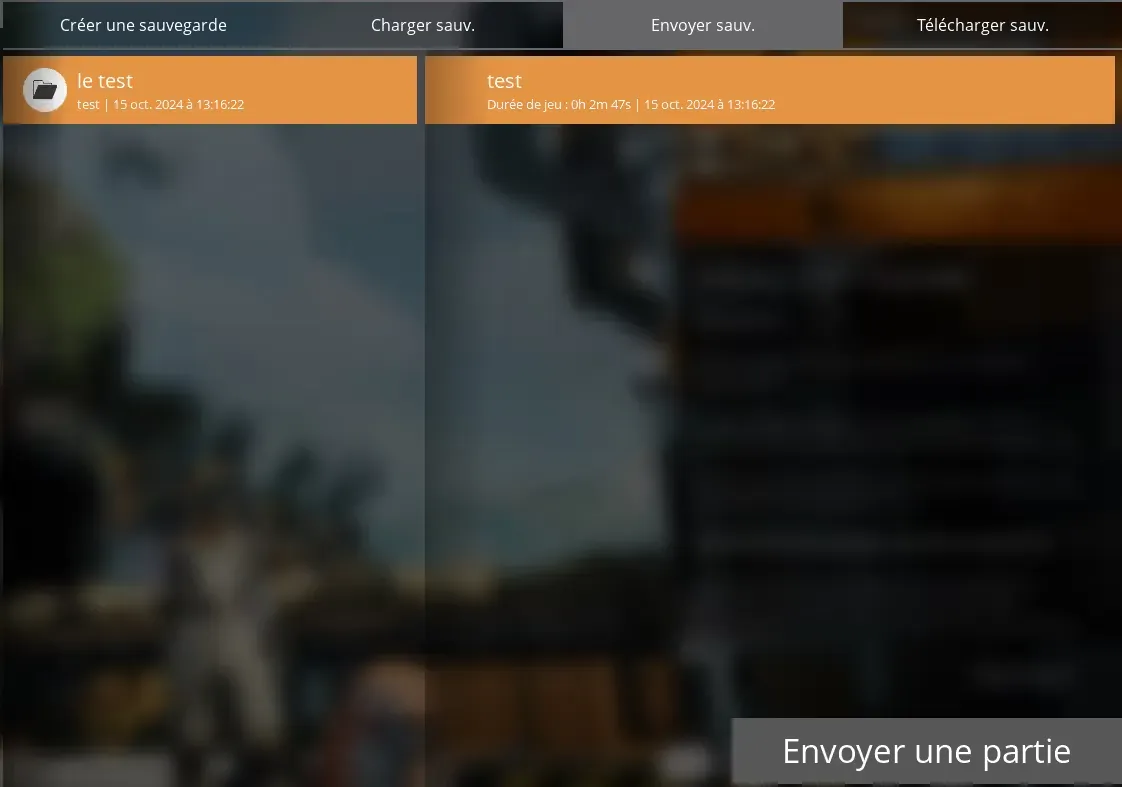
Once in this menu, select the save you want and click on the "Upload Game" button
Once that's done, you need to go to the "Load Save" submenu
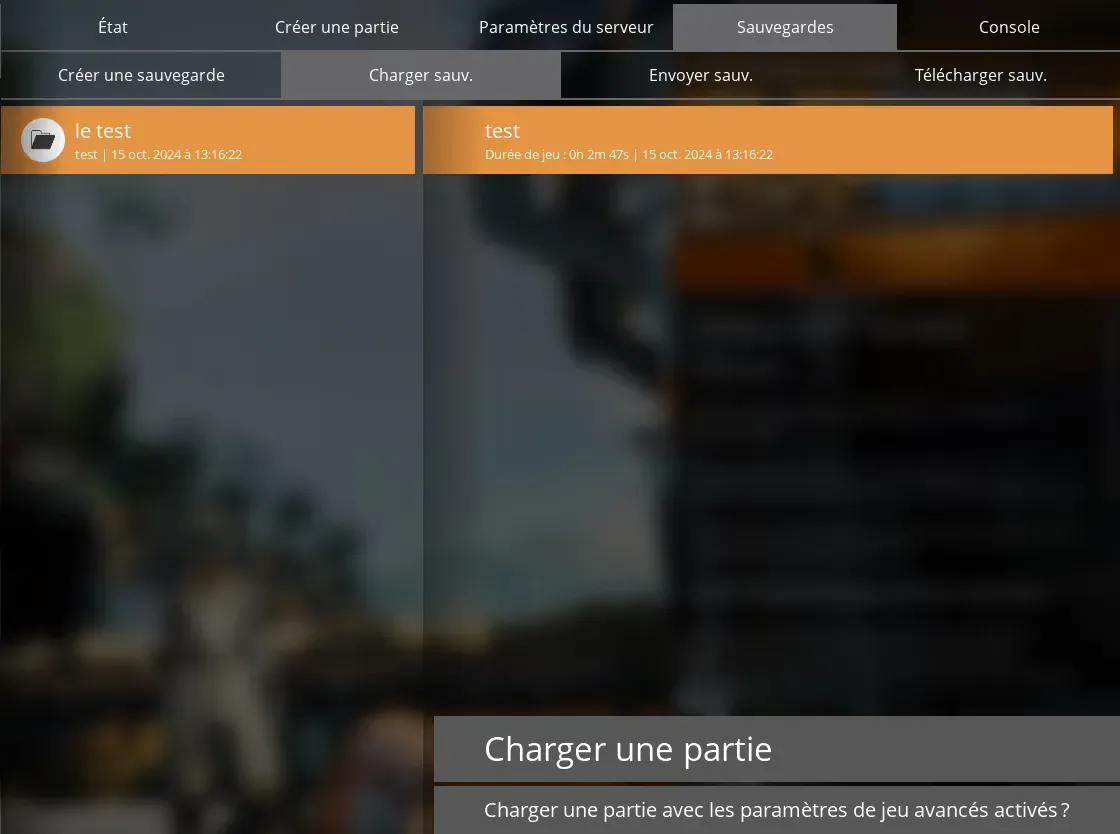
You will find your freshly uploaded game, all you have to do is select it and click on the "Load Game" button
Your server will load with your personal map.
We remain available in case of any issues, whether on Discord or via a support ticket.


