


 Manager
How to use SFTP transfer
Create your SFTP ID:
Access the "SFTP Access" tab in the manager and create an SFTP account
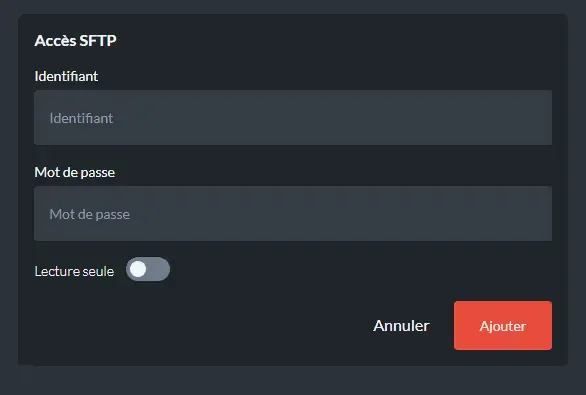
A read-only account can only view files without editing them
- Install an SFTP management software Use on PC: FileZilla
Use on MAC: Cyberduck
- Connect to your SFTP space:
Use the following login information
Host: Your server's IP without the port, if your server's IP is 127.0.0.1:12345, you enter 127.0.0.1
Username: your username (with the numbers in front)
Password: your password
Port: 22

- Transfer files
- Copy/paste/delete/rename/move any files you want from your SFTP to your PC or vice versa.
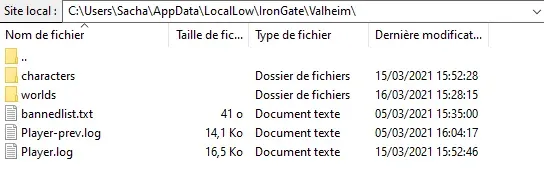
On the left in local site is everything on your computer
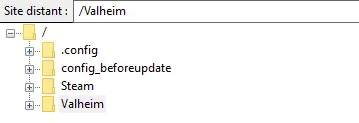
On the right in remote site is everything on your server
You now know how to use SFTP transfer!
Need more information? Visit our Discord!
Find our offers here!

