


 Manager
Time required: 2 minutes.
This guide is here to explain how your server renewal works and how to manage it according to your preferences
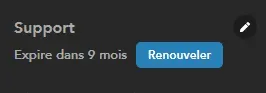
If automatic renewal is not enabled
From the manager, the renew button appears directly
If automatic renewal is enabled
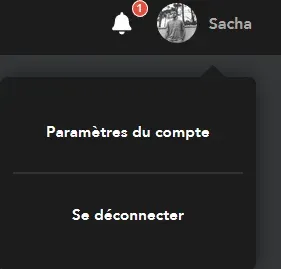
Go to the account settings by clicking on your image at the top right of the manager then "account settings"
Go to the "subscription and billing" tab
You can enable or disable automatic renewal by clicking on the point
or renew your server manually
Manage payment methods From this tab, it is also possible to add or remove a payment method.
You can now operate and manage your server renewal!
More questions? Visit us on Discord!

