


 Minecraft
There are mods and plugins that require their port to be exposed to allow players to access them, such as a voice chat or an interactive map.
1. What ports can I use?
**ℹ️50 ports are available to make the mods/plugins that require it online.
**
To know the 50 ports that are available, simply take the port that appears next to the Minecraft server IP address in the manager.
In this example, the server port is 26365
List of available / unavailable ports:
- 26365 (Reserved for the Minecraft server)
- 26366 (Reserved for the query port) (Port +1)
- 26367 (Reserved for RCON access) (Port +2)
- 26414 (Last usable port)
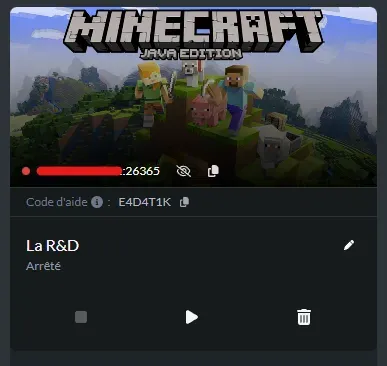
Example 1: Configure the port on a plugin (BlueMap, Paper 1.21.11)
To configure the port, first download a plugin that requires it. "BlueMap" 5.15 will be used for this example. (The configuration is similar for previous versions)
The server runs on Paper 1.21.11:
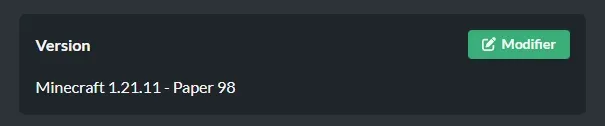
⚠️It is necessary to start the server once to generate the files (including the plugins folder)
Once the folder is accessible, use the file manager to place the BlueMap plugin in /Minecraft/plugins/ and restart the server for the plugin to load its configuration.
Then go to /Minecraft/plugins/BlueMap and modify two files:
- core.conf and modify the line to accept resource downloads:
12. accept-download: true- webserver.conf and modify the line by setting a port from the range of 50 available ports:
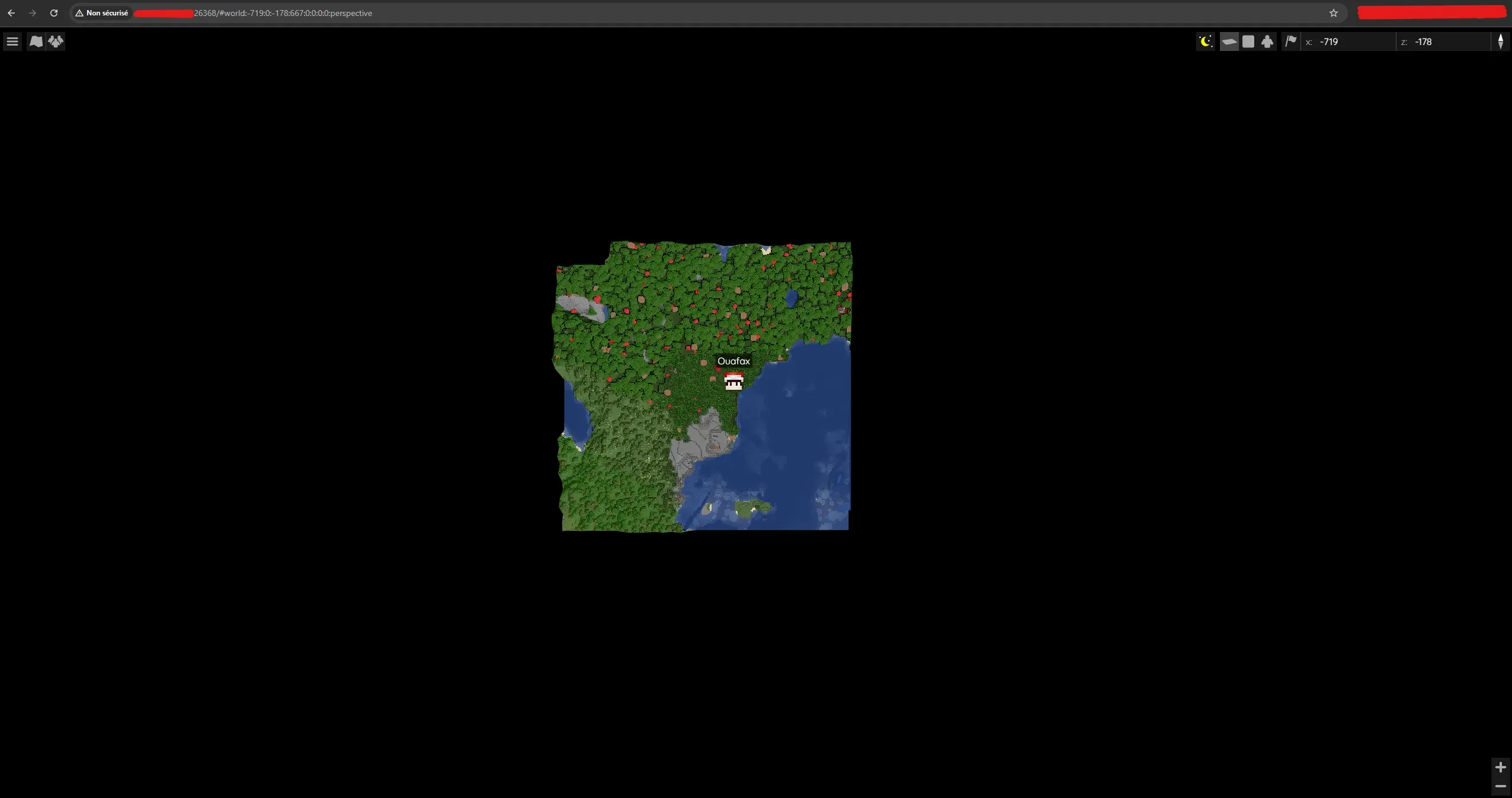
18. port: 26368 Then restart the server.
The BlueMap is now available by going to the address http://SERVER_IP:CHOSEN_PORT/
Example 2: Configure the port on a mod (SimpleVoiceChat, Fabric 1.21.11/0.18.4)
To configure the port, first download a mod that requires it. "SimpleVoiceChat" 2.6.11 will be used for this example. (The configuration is similar for previous versions)
The server runs on Fabric 1.21.11 / 0.18.4: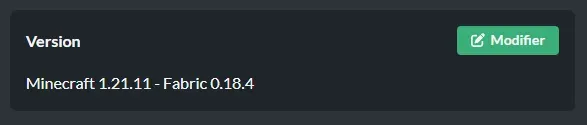
⚠️It is necessary to start the server once to generate the files (including the mods folder)
Once the folder is accessible, use the file manager to place the SimpleVoiceChat mod in /Minecraft/mods/ and restart the server for the mod to load its configuration.
**ℹ️An automatic script changes the port automatically when it detects SimpleVoiceChat to place it in the range of 50 ports. *****(In this guide, the script set the SimpleVoiceChat port to 26385)***
If the port is not changed, go to /Minecraft/config/voicechat/ and modify the voicechat-server.properties file:
9. port=26385 Then restart the server.
The following line should appear in the logs at startup, indicating that SimpleVoiceChat has started on the configured port:
[02:21:52] [VoiceChatServerThread/INFO]: [voicechat] Using server-ip as bind address: 0.0.0.0
[02:21:52] [VoiceChatServerThread/INFO]: [voicechat] Voice chat server started at 0.0.0.0:26385


