 Hytale
Enhance your gaming experience by installing plugins and mods on Hytale!
The platform recommended by Hytale for downloading mods/plugins is CurseForge
⚠️ Plugins for Hytale are in .zip or .jar format!
1. Download Mods / Plugins
For this tutorial, the plugins EyeSpy and AdminUI will be used.
Download the plugins:
- EyeSpy: https://www.curseforge.com/hytale/mods/eyespy
- AdminUI: https://www.curseforge.com/hytale/mods/adminui
You should have these two files: 
2. Install the Downloaded Mods / Plugins
To install the previously downloaded mods/plugins, go to your Manager and select your Hytale server.
⚠️ Make sure you have started it once so that all folders have been generated.
Then go to the Files tab, and select Hytale > Mods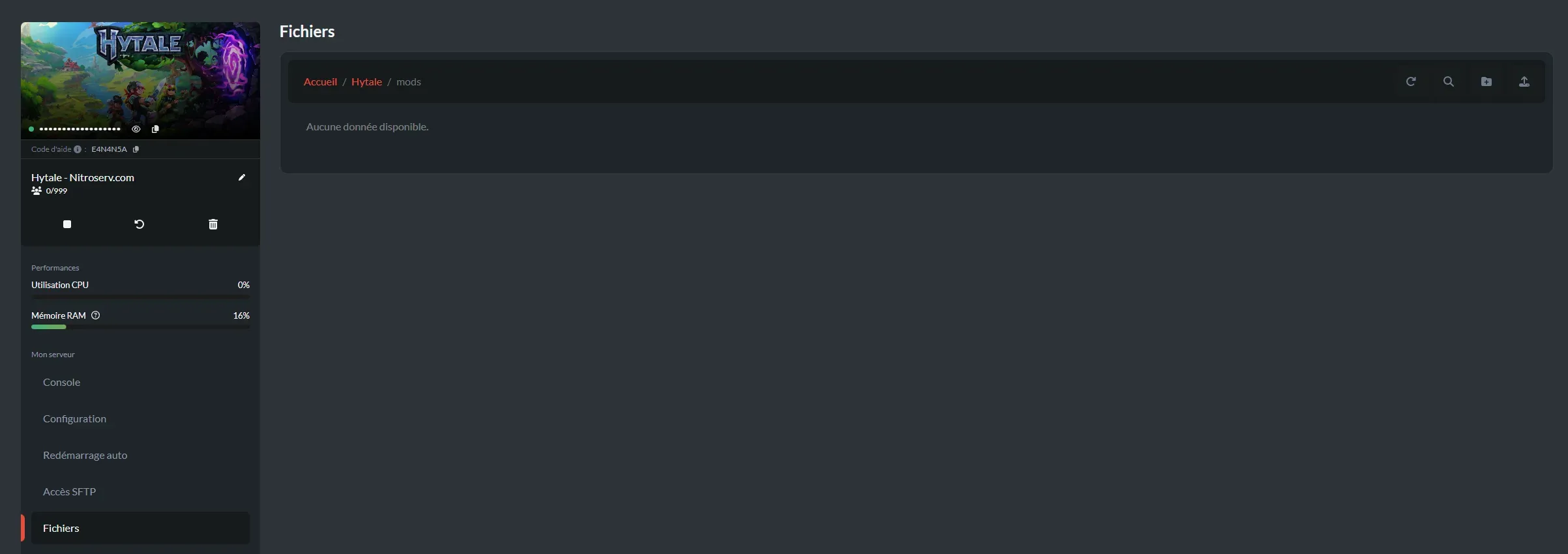
To transfer your mods, press the Transfer button on the right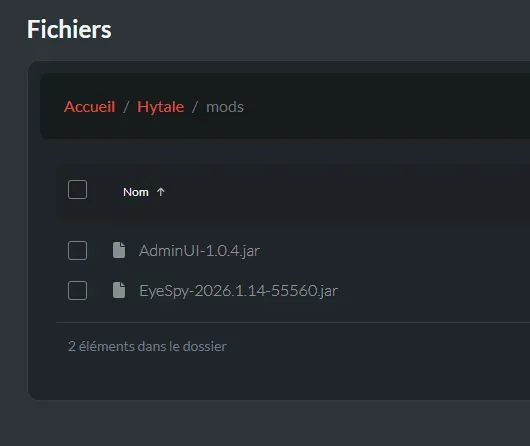
Your two plugins are now installed on your server. You just need to restart your server for them to be recognized.
3. Verify the Proper Installation of Mods/Plugins
Once the mods/plugins are installed, you can verify they are properly installed using the server console with the command
**/plugins list
**[2026/01/19 16:18:56 INFO] [CommandManager] Console executed command: plugins list
Plugins (84):
...
- Buuz135:AdminUI
- JarHax:EyeSpy
...