 Hytale
Importing prefabs can be an effective solution for quickly building a small town in a creative world. Here is the procedure to follow:
1. Download a prefab Go to a reliable site like CurseForge to get a prefab
Download the .zip file of the desired prefab. In this compressed file, there is a .json file, which is the one we are interested in.
2. Install the prefab on your server
- From your Nitroserv panel, go to the "Files" tab to access the server folders
- Once in the server files, create a folder named "prefabs" (if it doesn't already exist)
- Place the .json file of your prefab in this folder
- No server restart is necessary, the file will be automatically recognized by the game
3. Use the prefab in-game
- Back in the game, switch to creative mode
- Open your inventory and navigate to: Creative Tools → World → Prefab List → Server
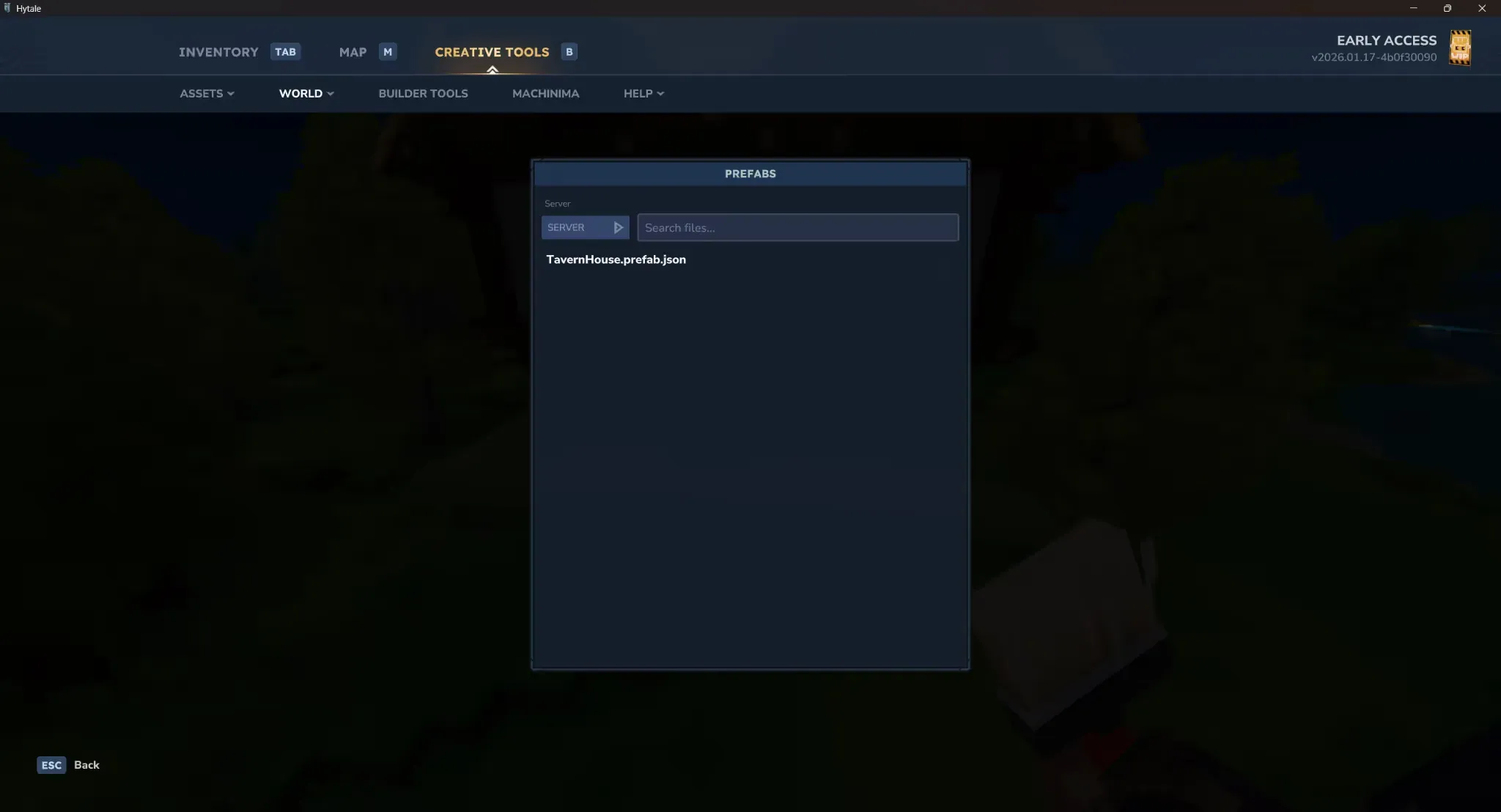
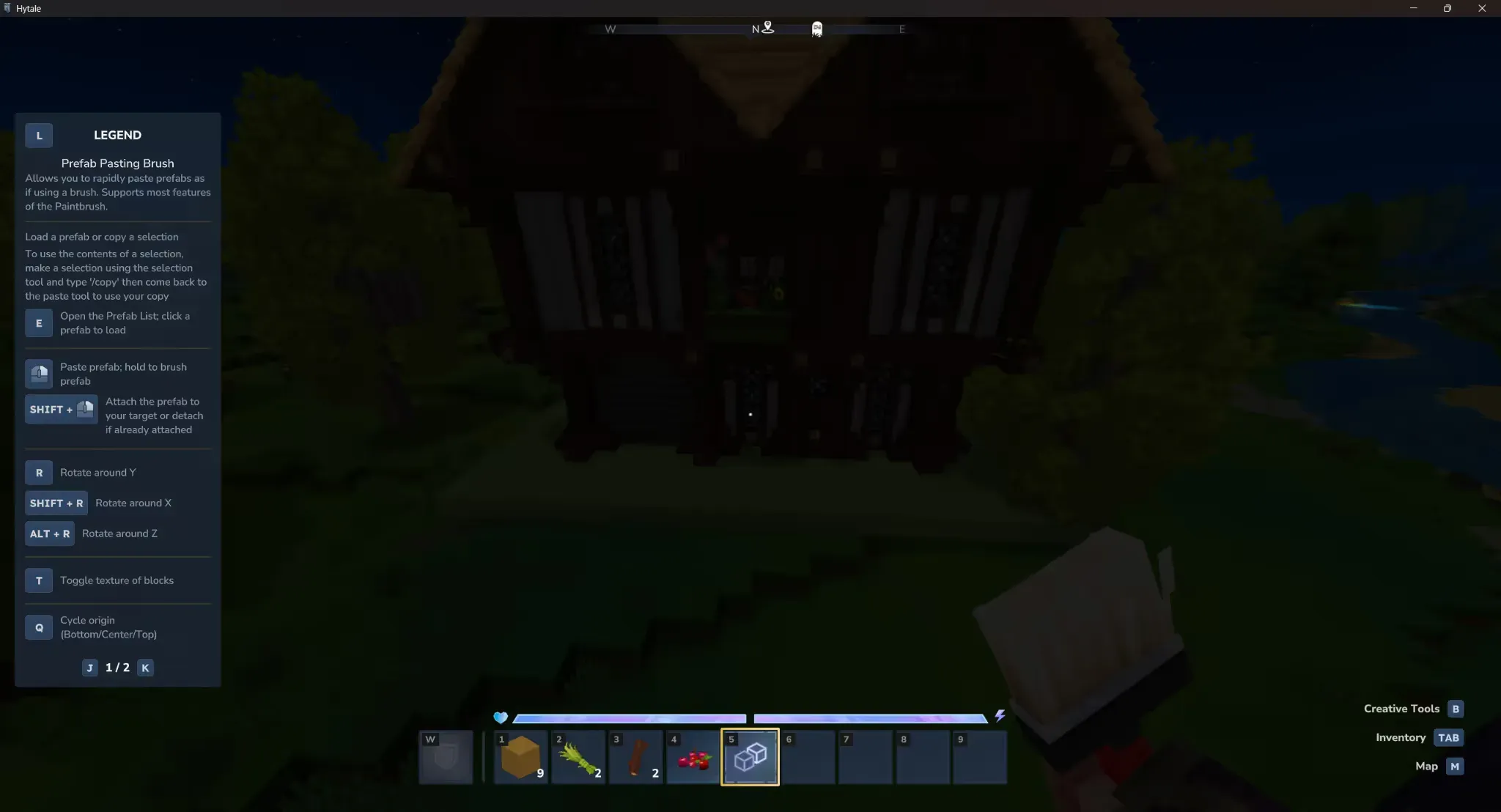
- You will find your file there. Double-click on it and your structure will appear
Need help?
You can open a support ticket from the panel or join our Discord for assistance.