 Hytale
Giving yourself items in Hytale is useful for testing the game and quickly discovering items, but we advise you to discover them gradually, without cheating, by forging your own adventure!
If you still wish to give yourself items, here's how to do it:
We will use the /give command which requires Operator permissions, so you must be logged in as an admin or with the necessary permissions.
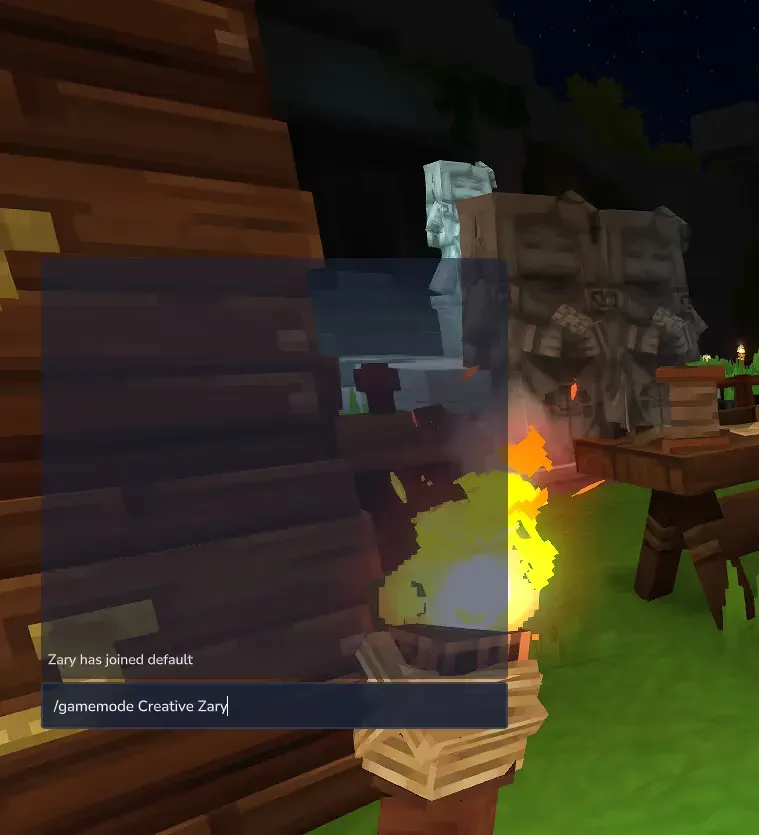
Open the chat (default Enter key) and type
/gamemode Creative <your username>
A message indicates the change successfully, accompanied by a sound and an animation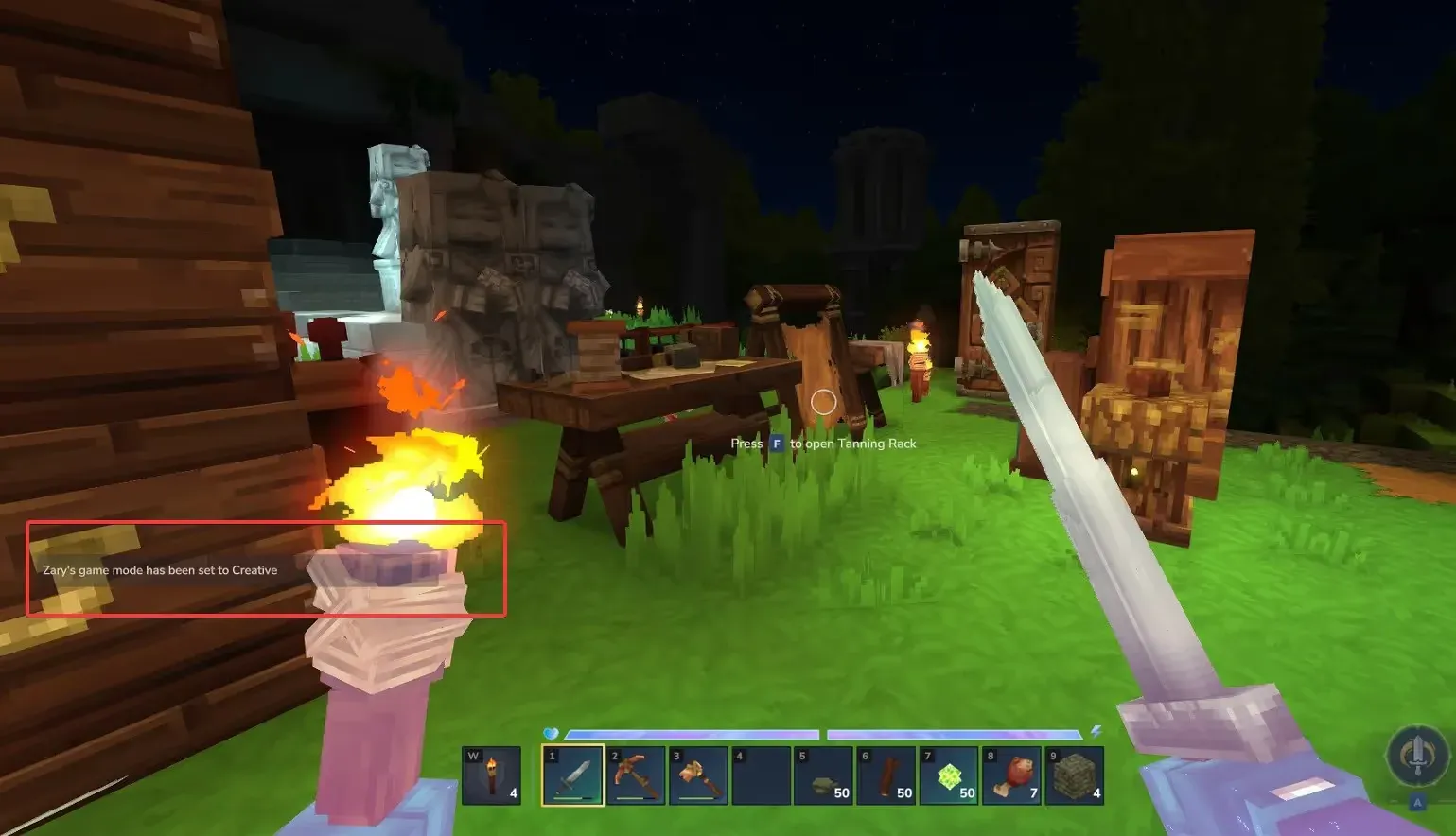
You can now open your inventory (default Tab key), and take the items that interest you! Feel free to navigate through the different tabs or use the search bar, then drag the item of your choice into your inventory to obtain it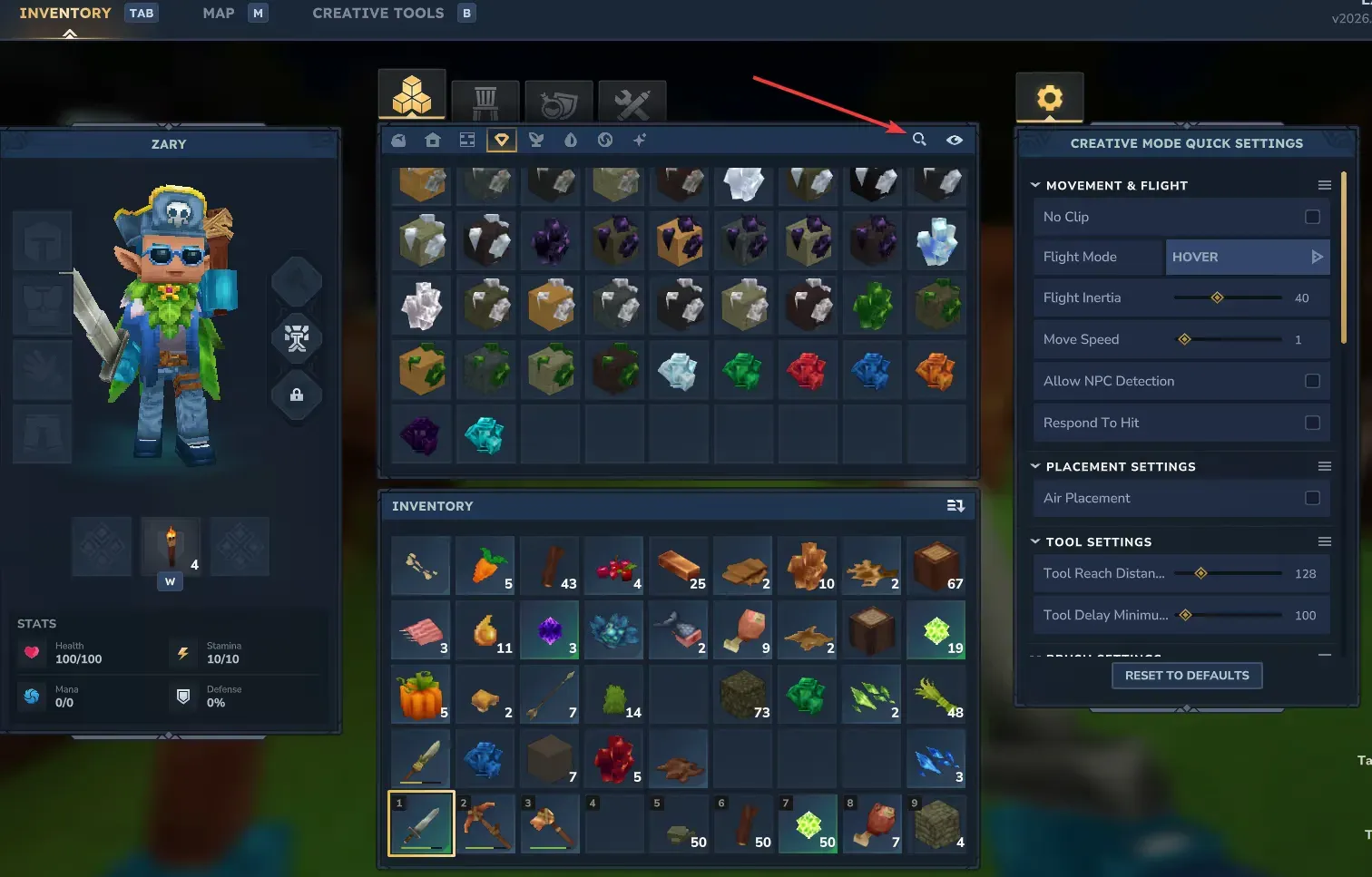
You also have the option to give yourself an item directly without changing your game mode via the command
`/give --quantity (Quantity is optional)*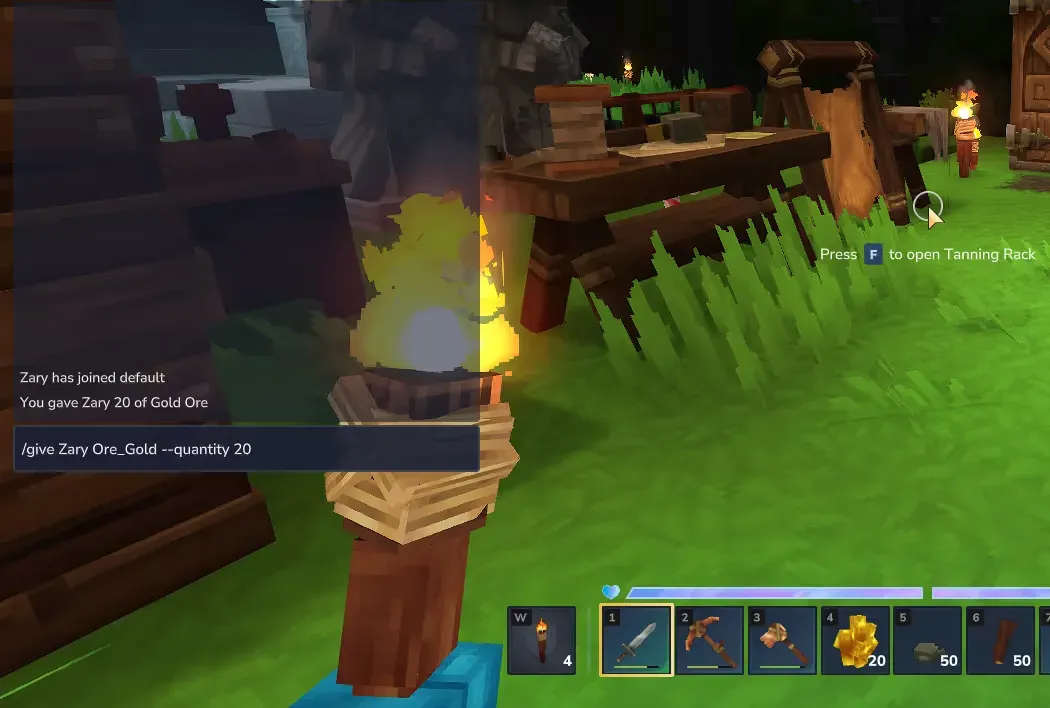
Your items are then added to your inventory!
Need help?
You can open a support ticket from the panel or join our Discord for assistance.