


 Valheim
Valheim is now available on Xbox with the ability to play crossplay on Xbox and PC! You can play on the same server with your friends, whether they are playing on Xbox or PC.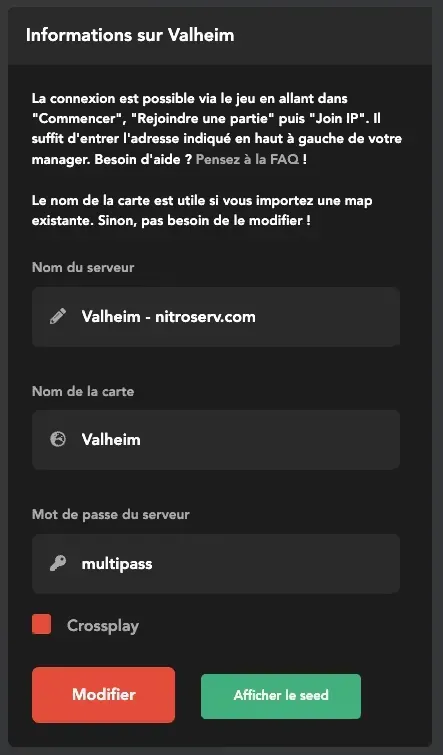
To start, you need to rent a Valheim server, your server will be delivered instantly. The first thing to do is to enable the "Crossplay" option via the manager.
Then simply start the server by clicking the "Play" button. Wait a minute for the server to launch.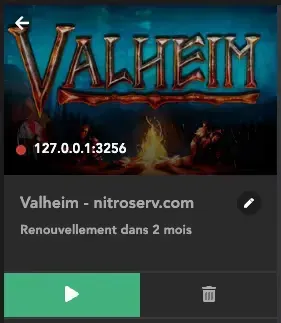
Once the server is launched, the indicator turns green, you can connect! To do this, go to the game, then "Start Game". Choose your character, then click on the "Join Game" tab. Finally, click "Add Server" to add a server, and enter the connection address displayed on your manager. It is in the form: 127.0.0.1:3256. Make sure to enter the IP as well as its port (the colon followed by 4 digits).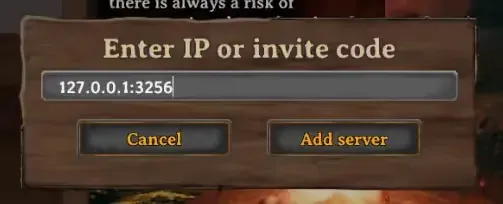
The server is added to your server list, you can select it and connect. The game will then ask you for the password you set earlier.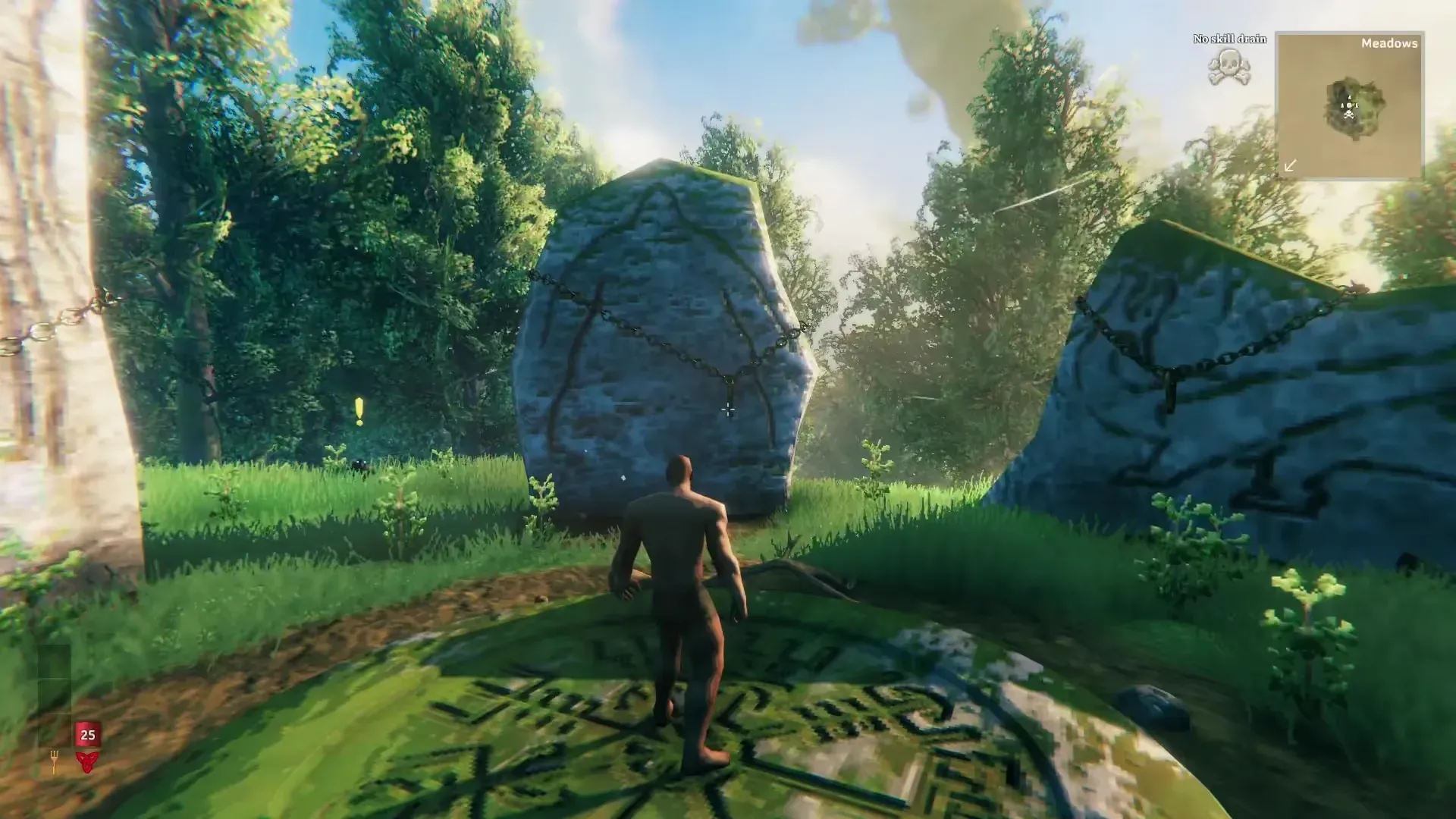
And there you go, you are on the server! Your friends can join you on Xbox and PC in the same way, the menus are identical for all versions! Feel free to contact us on support if you need a hand.
Note that mods are not available for the Xbox version, so you will need to stay in the classic version of Valheim.


