



 7 Days to Die
To access the server's admin interface, you need to follow these steps.
1- Turn off the server.
2- Enable the interface from the configuration by modifying the following line:
You need to replace: value="false" with value="true"
3- Restart your server.
Once the server is started, type in your browser the IP address of your server, followed by the port +10 of your server.
For example, if your server's IP is 127.0.0.1:10000, you need to type in your browser: 127.0.0.1:10010
You will see this page appear:
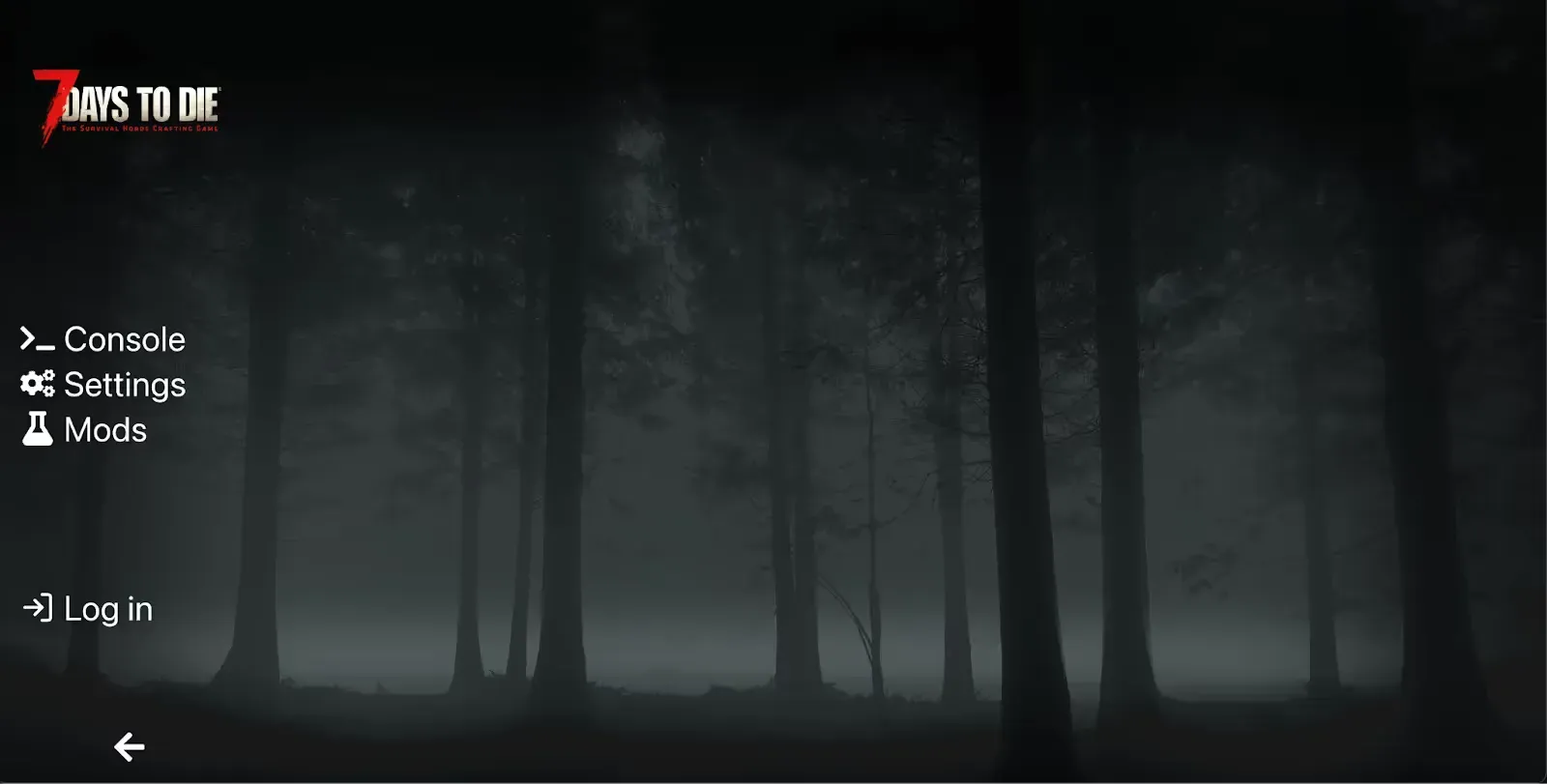
You now have access to your admin interface.
We remain available in case of any issues, whether on Discord or by ticket in support.
