


 Valheim
Time required: 5 minutes.
Install Valheim Plus on a server in 3 steps!
- Switch the server to the "Valheim - BepInEx" version BepInEx allows the addition of mods to the game. This action can be performed on the "My Server" page on the panel.
- Install the mod in question in the "Mods" tab
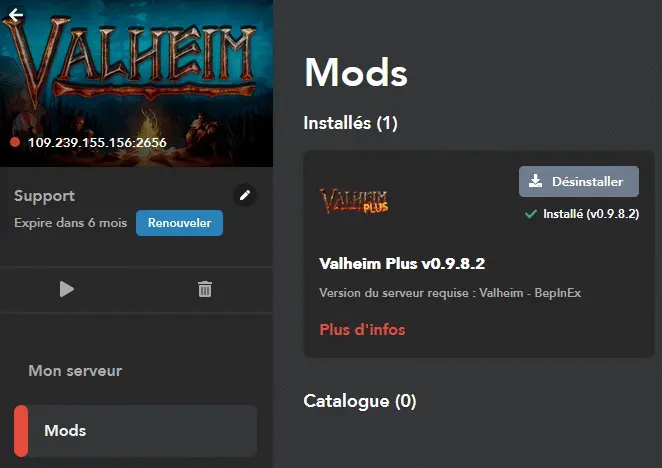
- Restart the server To apply the changes, simply restart the server!
For your information, the configuration editing is currently done via FTP, you need to edit the file: Valheim-BepInEx/BepInEx/config/valheim_plus.cfg.
Check out our Valheim offer & join us on our discord!


