


Quick Answer
To install a Palworld mod on your nitroserv server, it must be in .pak format.
You can send it directly from the nitroserv Manager or with FileZilla by following our tutorial, in the following folder: /Palworld/Pal/Content/Paks/
Once the file is uploaded, restart your server for the mod to take effect!
Before You Start
For now, only mods in .pak format are supported.
If your mod is in a .zip or .rar archive, start by extracting it on your computer. The file to send to the server should look like this:
ModName.pak
Step 1: Stop Your Server
Before adding a mod, stop your server from the nitroserv Manager.
This prevents the server from writing or reloading files while you're modifying its content (best not to bother it while it's running).
Step 2: Open Your Server Files
You can send your mod in two ways:
- directly from the Files tab in the nitroserv manager;
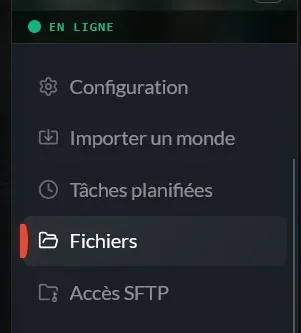
- or via FileZilla, with your SFTP access.
If you don't know how to use FileZilla yet, you can follow our guide dedicated to SFTP transfer.
Step 3: Send the Mod to the Right Folder
Navigate to the following folder:
/Palworld/Pal/Content/Paks/
Then send your .pak file to this location by clicking "Transfer" and selecting your mod.
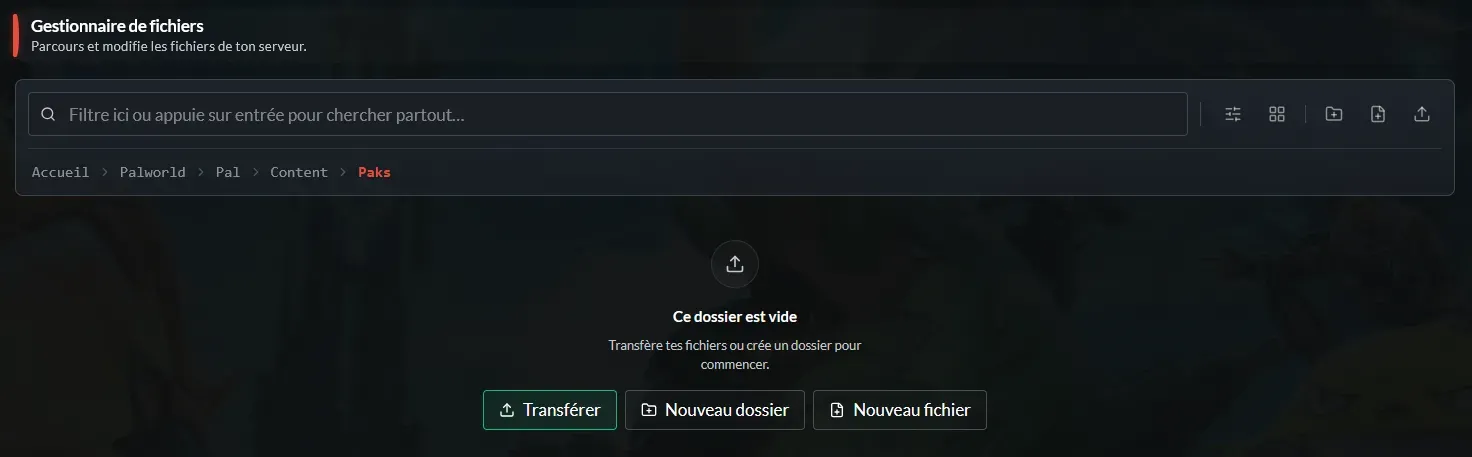
Example:
/Palworld/Pal/Content/Paks/ModName.pak
Step 4: Restart Your Server
Once the file is uploaded:
- restart your server;
- verify that it starts correctly;
- log in to the game to test the mod;
- Enjoy!
Watch Out for Client-Side Mods
Some mods must also be installed on players' PCs to work correctly.
If the mod doesn't work after installation on the server, check its download page: the author often indicates whether it needs to be installed on the server side, client side, or both.
__
Need Help?
If your mod doesn't work or your server doesn't restart correctly after installation, we're available on our Discord or via our Twitter account!
You can also contact us directly via ticket from your manager.