StarRupture
How to automatically load my game?
On your PC, create a file named DSSettings.txt
Fill it with the following information:
{
"SessionName": "Your Session Name",
"SaveGameInterval": "300",
"StartNewGame": "false",
"LoadSavedGame": "true",
"SaveGameName": "AutoSave0.sav"
}
You then need to go to the "File" tab to access the server files
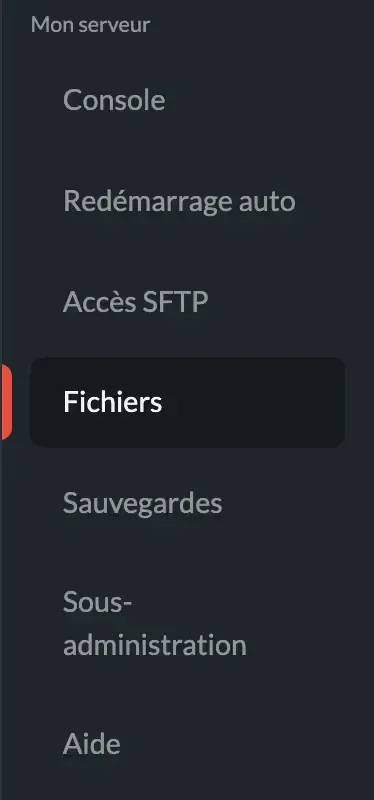
Go to the Star Rupture folder and place your file there.
You can start your server.
Need help?
You can open a support ticket from the panel or join our Discord for assistance.