

How do I connect to my server after purchase?
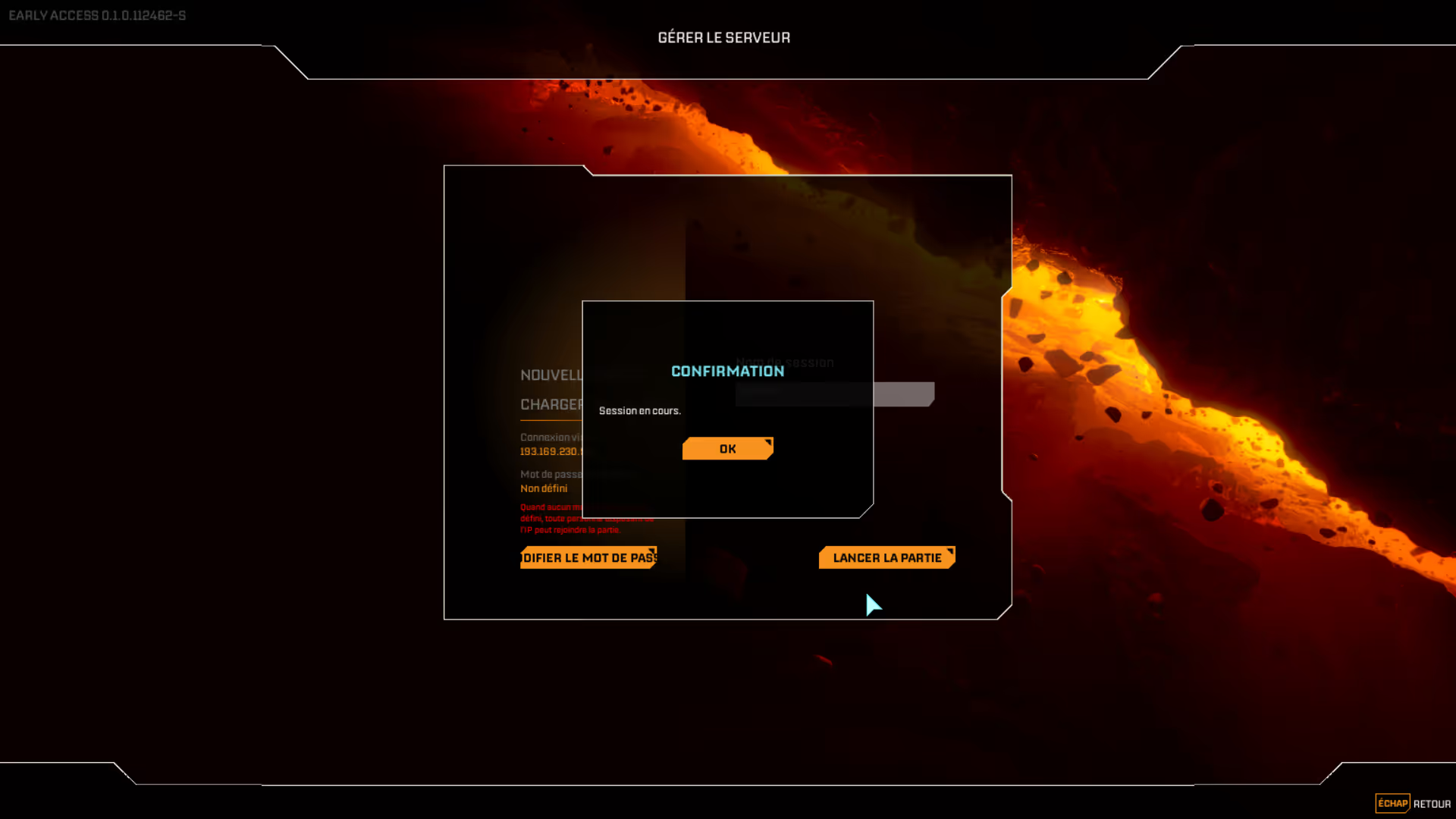
Once the server is up and running, you can create the session and the map.
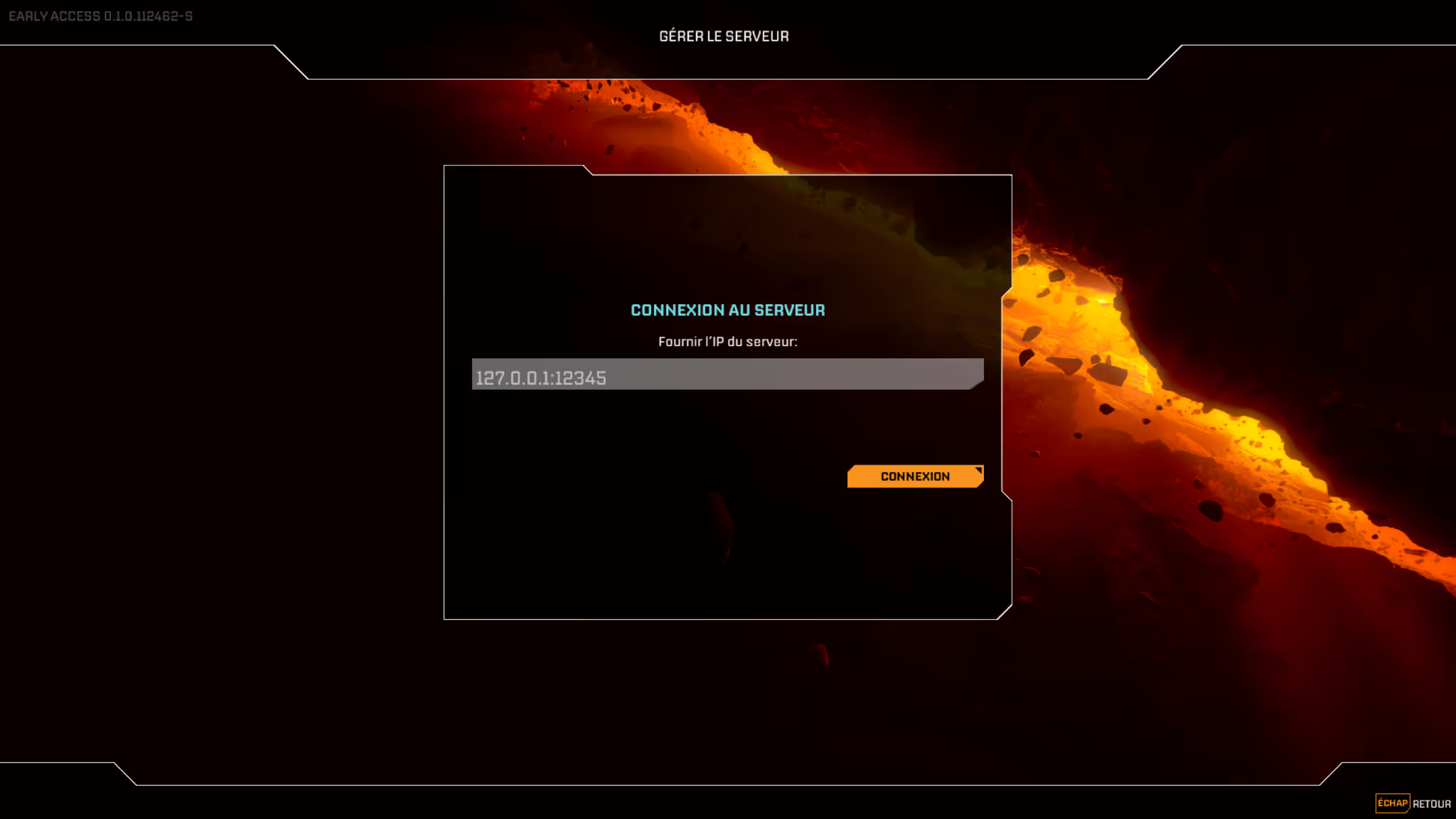
Once in game, go to the “Manage Server” tab

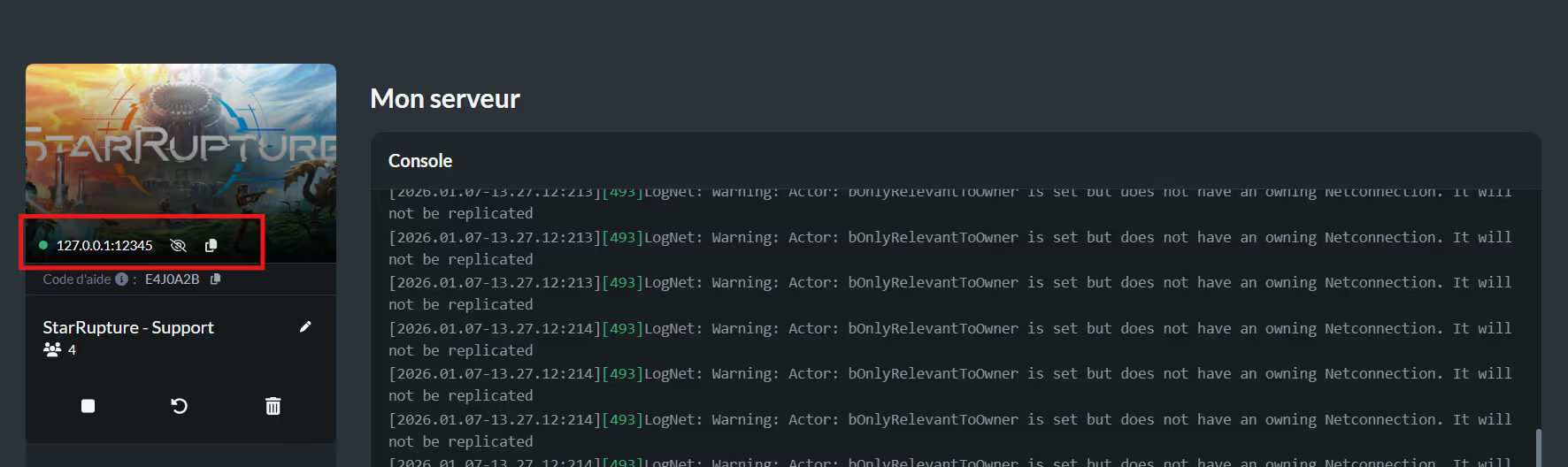
You must enter the IP of your server here, you can find it directly on your nitroserv Panel
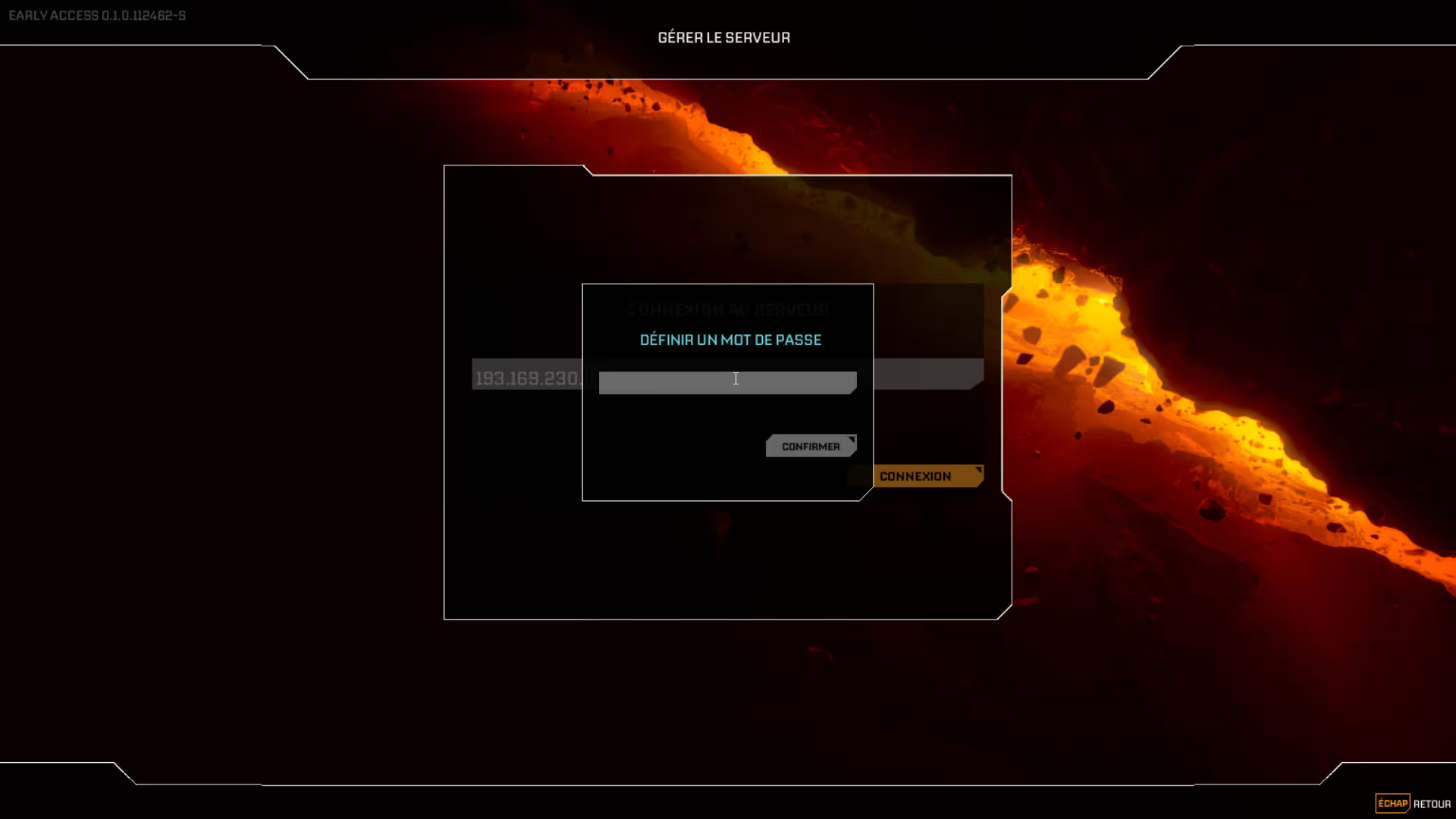
The game will then ask you to set a password to join the server.
⚠️ The password must be at least 6 characters long to work
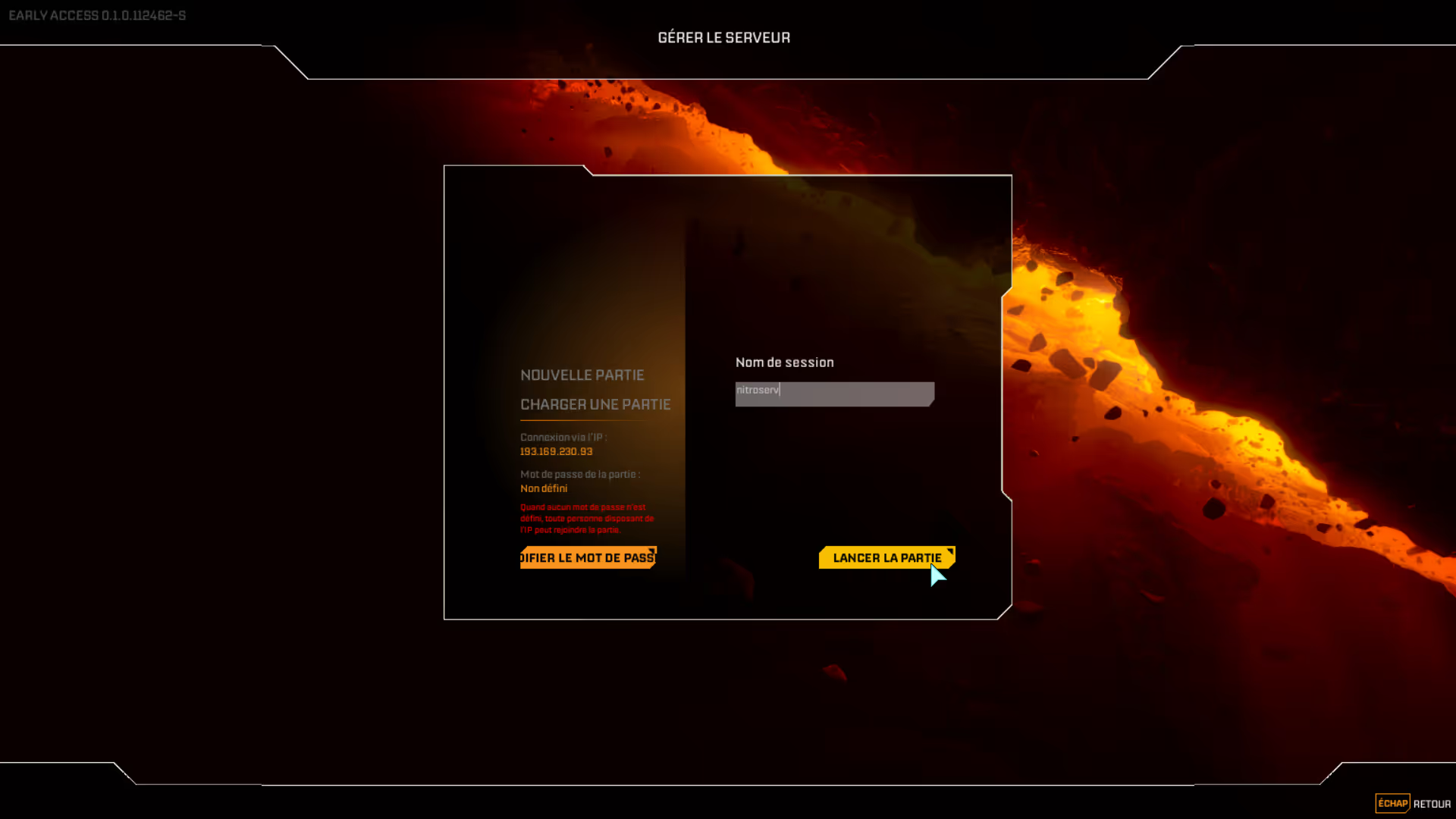
You then arrive at the interface to create the game.
Click on “New Game” and give the session a name.
Generating the world can take about ten seconds the first time
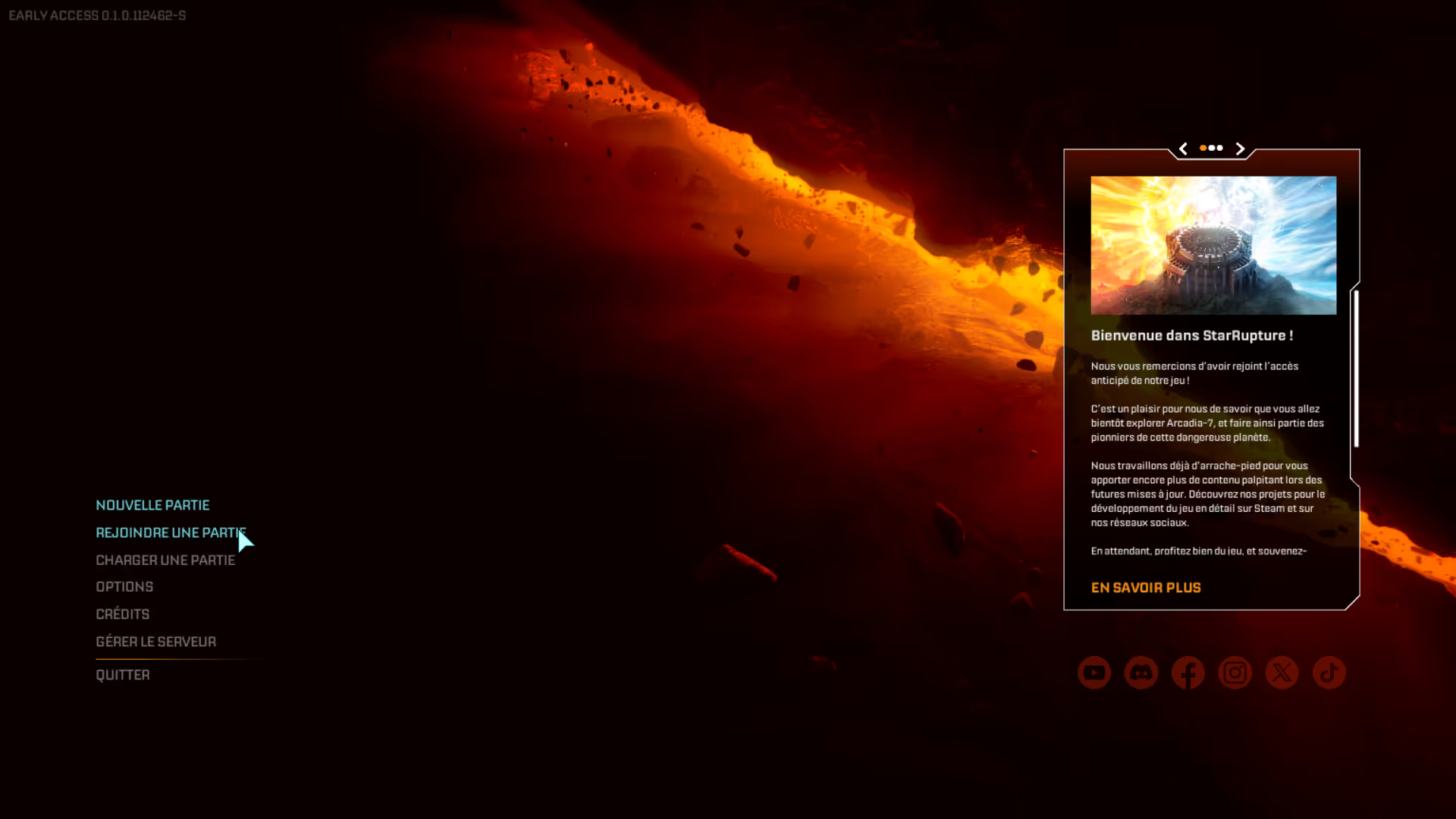
Once the session is created, go back to the main menu and click on “Join a game”
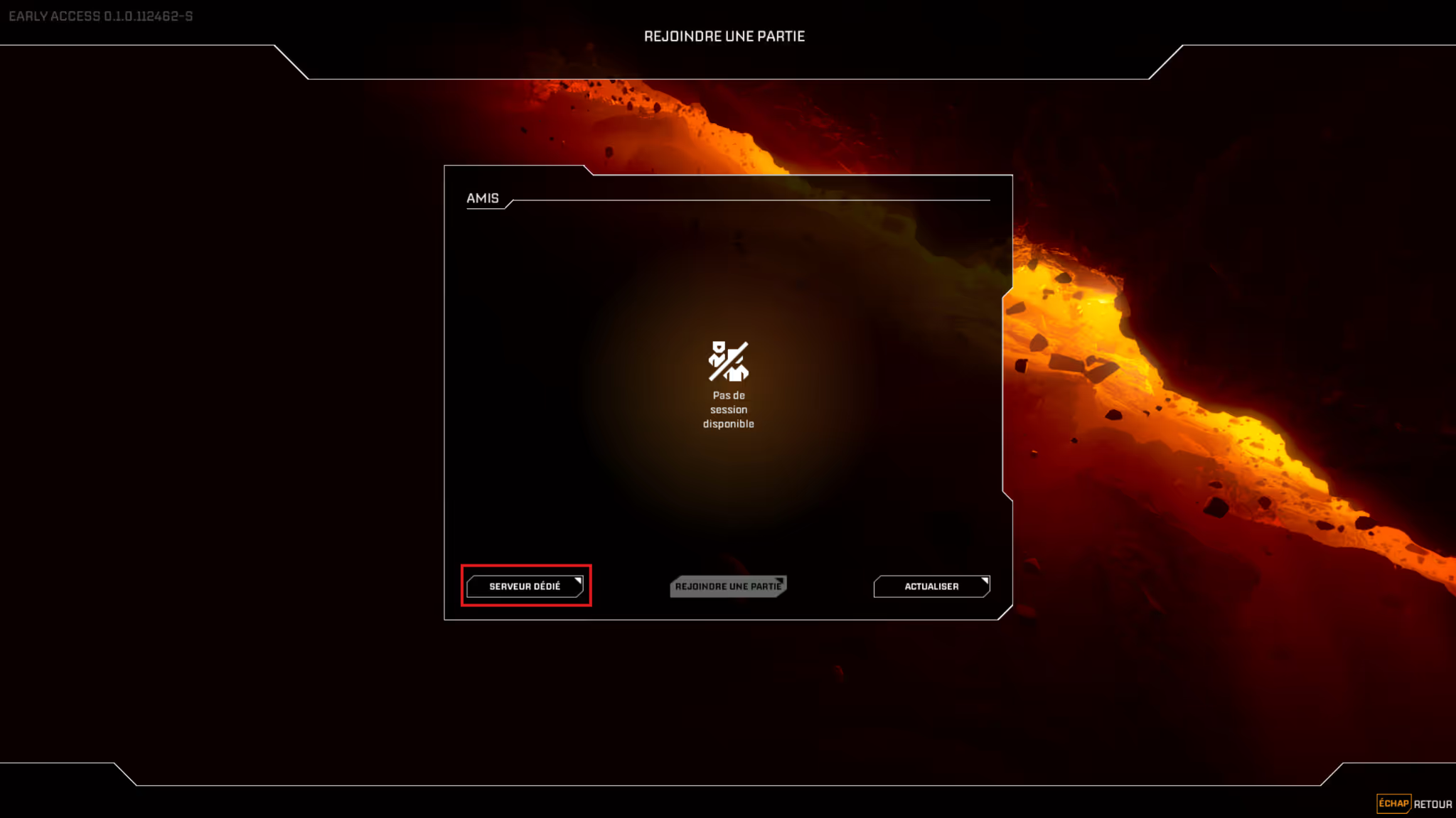
Then click on “Dedicated Server”
You then enter the IP of your server as well as the password defined previously.
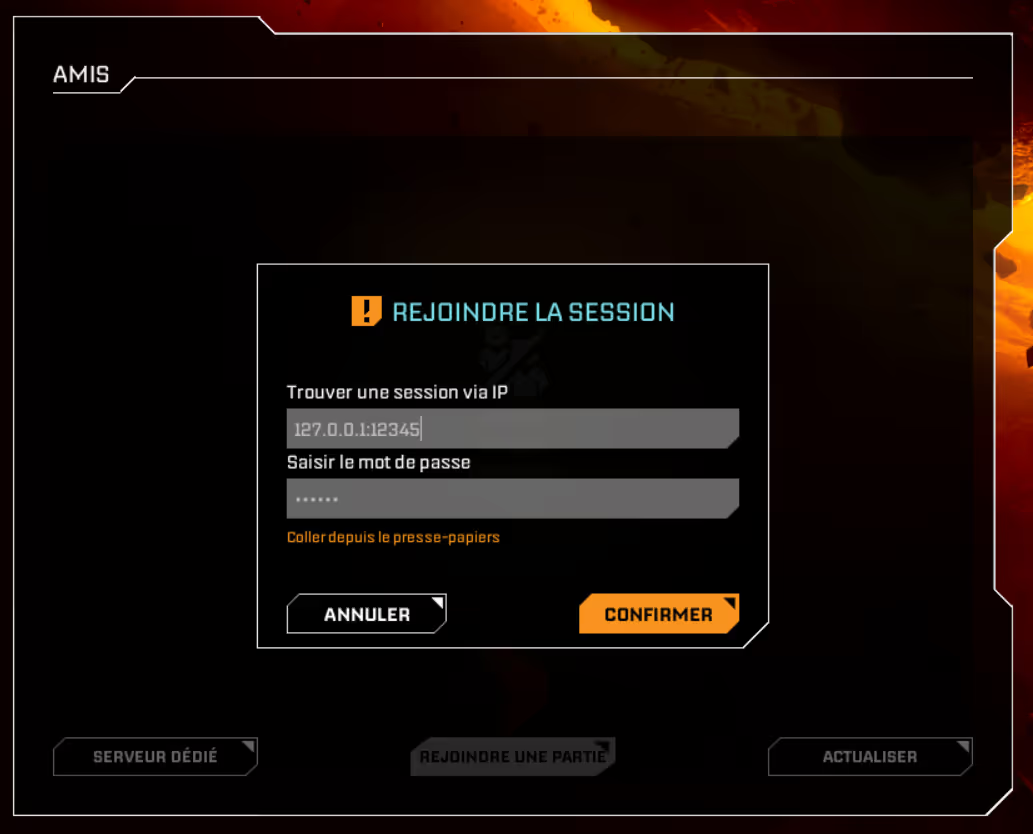
Then click on “Confirm “and the upload to the server will start
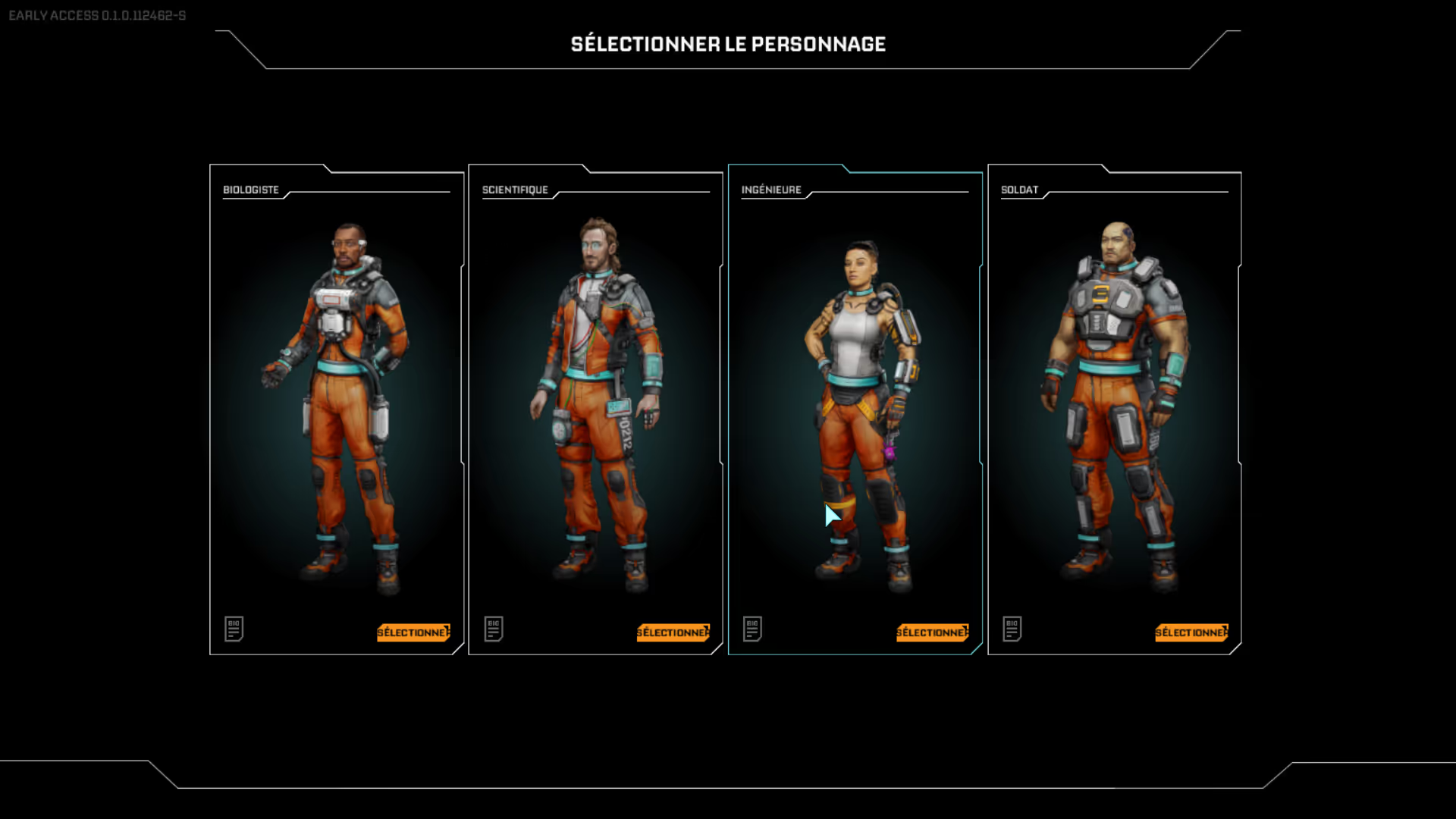
All you have to do is select the character you want to play and off you go!
⚠️ After the first load, the “Manage Server” tab is no longer able to reach the server, it's a problem with the game, you have to restart the server manually via the manager to solve the problem
Need help?
You can open a Support ticket from the panel or join our Discord for help.


